
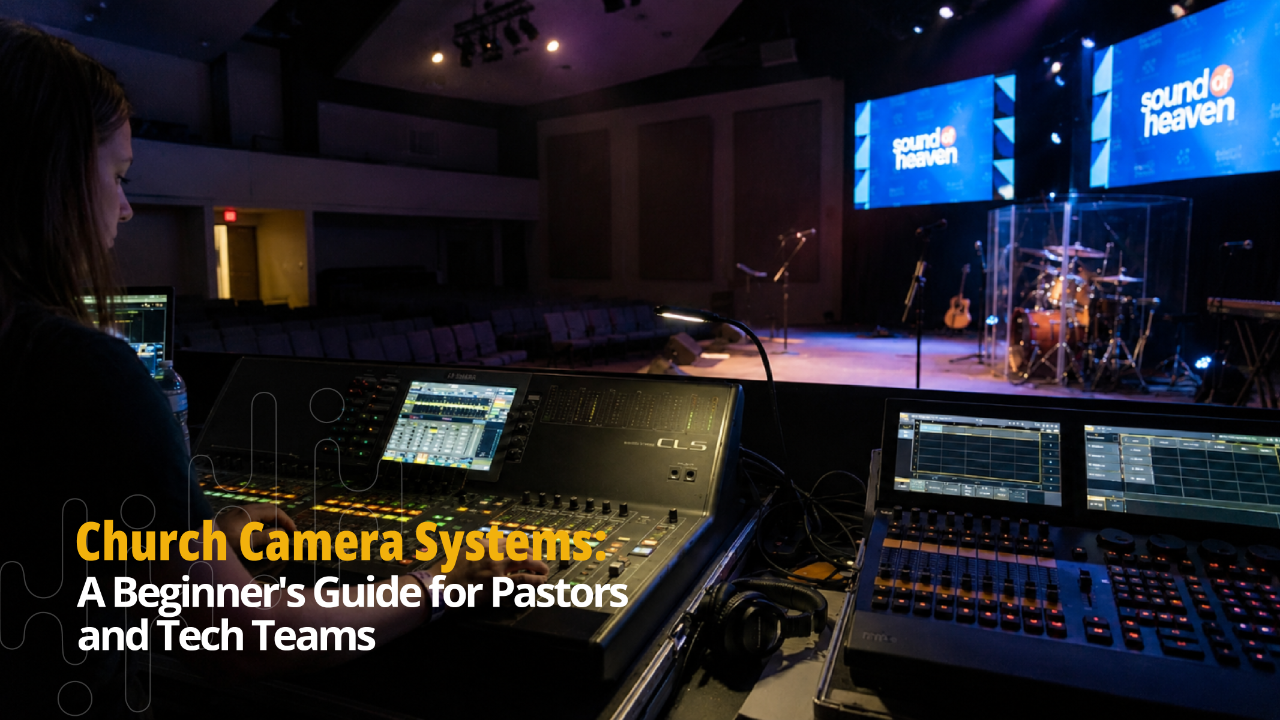
How to Set Up a Church Video System That Works
Jun 22, 2026Every Sunday, your church serves two congregations at the same time.
The people sitting in the room. And the people watching from home.
Most churches spend all their energy on the in-person experience. The stage looks great. The worship team is ready. But the moment someone hits "go live," the online congregation gets a pixelated, choppy video with audio that barely carries the message.
That's not a streaming problem. That's a church video system problem.
A proper church video system makes sure both congregations get the same quality experience. The people in the room see everything clearly on screen. The people at home feel like they're actually there.
This guide walks you through exactly how to build that system, step by step, in plain language.
What Is a Church Video System and What Does It Include?
A church video system is the full setup your church uses to capture, manage, and display video during a service.
It's not just a camera. It's everything that works together to get a clean video signal from your stage to your screens and out to the internet.
What a complete church video system typically includes
- Cameras: These capture everything happening on stage. One camera is the minimum. Most churches benefit from two to four, covering different angles.
- Video Switcher: This is the brain of the operation. It lets your team switch between camera angles in real time, cleanly and without interruption.
- Signal Routing and Cabling: The cables and connectors that carry your video signal from cameras to the switcher and from the switcher to your outputs. Poor cabling is one of the most overlooked causes of video problems.
- Display Outputs: This is where your video shows up. For in-room displays, that means your projector screens or LED wall. For online, it goes through your encoder to your streaming platform.
- Livestream Encoder: This converts your video signal into a format that can be broadcast online. It connects your physical system to platforms like YouTube, Facebook, or your church app.
All of these pieces have to work together. When one part is wrong, the whole system feels it. That's why understanding church AVL integration matters so much. Audio, video, lighting, and LED displays are not separate conversations. They're one connected system.
For a deeper look at how AVL integration works as a whole, read our guide: What Is Church AVL Integration? All You Need to Know.
Why Do Most Church Video Setups Fail?
Here are the most common reasons church video systems fail:
-
Mismatched equipment
A church buys a camera from one place, a switcher from another, and cables from wherever is cheapest. None of it was designed to work together. On Sunday, the signal drops, the colors look wrong, and nobody knows why.
-
No plan for volunteers
The system was designed by someone technical but operated by whoever shows up that week. If your video system requires expertise your volunteers don't have, it will break down regularly.
-
Livestream was an afterthought
Many churches added livestreaming during the pandemic and never properly integrated it into their system. They're still running a laptop and a USB webcam while their in-room setup is miles ahead.
-
Ignoring display outputs
The camera side looks fine, but nobody thought through how the video feeds into the screens inside the room. The result is a great livestream and a terrible in-person experience. Or the opposite.
-
No testing before Sunday
The worst time to discover a problem is when the congregation is seated and the pastor is ready to preach.
If any of this sounds familiar, you're not alone. We wrote a full breakdown of the most common technical failures churches face here: What Causes Technical Distractions During Worship and How to Fix Them.
How Do You Set Up a Church Video System Step by Step?
Here's a practical approach that works for churches of all sizes.
Step 1: Define Your Goals First
Before you buy anything, answer these questions.
Are you building for livestream only? In-room display only? Or both?
Do you want to record services for YouTube or your website?
Will you produce content beyond Sunday services, like devotionals or announcements?
Your goals determine everything else. A church focused on livestreaming needs different equipment than a church focused on in-room LED wall display. Most churches need both, and that requires a system built to handle both from the start.
Step 2: Choose the Right Cameras
Your cameras are the foundation. For most churches, PTZ cameras are the most practical starting point. They're controlled remotely, require minimal volunteer operation, and produce clean video for both livestream and in-room display.
For churches that want more cinematic production, mirrorless or DSLR cameras offer higher quality but require more experienced operators.
Start with what your team can confidently run every week. You can always upgrade later.
Step 3: Set Up Your Video Switcher
Your switcher is where your operator sits and controls the production. It takes all your camera feeds and lets you cut between them smoothly.
For smaller churches, a basic switcher with four inputs handles most needs. Mid-size and larger churches benefit from more advanced switchers that can handle multiple cameras, graphics overlays, and direct streaming output all at once.
Step 4: Connect Your Display Outputs
This is where your video actually shows up in the room and online.
Inside the room, your video signal should feed cleanly into your screens or LED walls. This connection needs to be properly cabled and configured so there's no lag, flickering, or signal loss during service.
For your online audience, your switcher output connects to your encoder, which sends the signal to your streaming platform.
Both outputs need to be tested and stable before Sunday morning.
Step 5: Test Everything Before Sunday
Run a full rehearsal with your actual volunteer team operating the system. Not a quick check. A real run-through, with cameras switching, livestream running, and displays active.
This is where you catch problems. Not Sunday morning.
How Should Your Video System Connect to Your LED Wall and Audio Setup?
A video system that only thinks about cameras is an incomplete system.
Inside your sanctuary, your video feed is what drives your LED wall. When a camera captures the worship leader, that signal has to travel cleanly to your LED wall so the congregation can see clearly from every seat in the room.
If the connection between your video system and your LED wall isn't configured properly, you get lag, color problems, or a signal that drops mid-service.
The same applies to audio. Your livestream isn't just video. Your online congregation hears everything through your audio system. If the audio feed going into your encoder is poor, the entire online experience breaks down, no matter how good your cameras are.
This is why church video systems must be designed alongside your audio and LED display setup. They're part of the same system.
Sound of Heaven's LED displays are designed specifically for church environments and integrate directly with your video system. There's no guesswork about compatibility. It's all built to work together from day one.
For a deeper understanding of how LED walls work inside a church setup, read: What Are LED Walls for Churches? All You Need to Know.
What Does a Church Video System Cost and How Do Churches Pay for It?
The cost of a church video camera system largely depends on the size of the church. So let’s explore the different church sizes below:
-
Small Church Setup (under 200 seats)
A reliable entry-level system with two PTZ cameras, a basic switcher, cabling, and livestream output typically runs between $5,000 and $12,000 installed. This gives your team a solid foundation to work with every Sunday.
-
Mid-Size Church Setup (200 to 600 seats)
A more complete system with three to four cameras, a capable switcher, in-room display integration, and proper livestream output falls between $15,000 and $35,000. At this level, you're building something that scales with your church.
-
Larger Church Setup (600 seats and above)
Full production systems for larger sanctuaries with multi-camera control, broadcast-quality output, and complete LED wall integration can range from $40,000 upward depending on the scope.
These are general ranges. Your actual cost depends on your building, your goals, and what you already have.
Cost should never stop a church from moving forward. Sound of Heaven offers in-house financing for qualified projects. No banks. No complicated approval process. Payment plans up to 12 months with an initial payment typically between 30% and 50%.
Learn more on our Financing page.
And if you want a clear picture of how to think through a budget for production upgrades, this article applies directly: How to Budget for Church LED Wall Installation.
Your Church Deserves a Video System That Actually Works
Your message is worth being seen clearly by the person in the back row. By the member watching from a hospital bed. By the visitor who found your church on YouTube at 2am and is thinking about coming in person.
A well-built church video system makes sure none of them miss what God is doing in your church.
Sound of Heaven works exclusively with churches. We design video systems that fit your space, your volunteer team, and your Sunday workflow. We handle the installation and we train your team. And we stay available long after the setup is done.
The first step is a free conversation.
Don't miss a beat!
New moves, motivation, and classes delivered to your inbox.
We hate SPAM. We will never sell your information, for any reason.